
MEDICAID CHANGES ARE COMING.
Are you ready?
Stay Connected to Care
Your coverage is important.
We are here to support your Medicaid Renewal.

MEDICAID CHANGES ARE COMING.
Are you ready?
Medicaid Renewal
Visit the MI Bridges online portal to manage your Medicaid Benefits. You can update your contact information, check your status, and complete your renewal

MEDICAID CHANGES ARE COMING.
Are you ready?
Lost Your Coverage?
You may still have options. Honor Community Health
can help you understand what to do next.

Explore Medicaid Renewal Tools and Support

Is it time to renew your Medicaid?
Check your renewal status

How to Keep Your Coverage
Learn simple steps to help you keep your Medicaid coverage

Lost Coverage?
If you lost your Medicaid coverage, learn what to do next.

Questions?
Find answers to common questions about Medicaid Renewal

Resources
Find the tools, links, and information you need—all in one place.

Need Help?
Not sure what to do? We’re here to help.
Manage Your Medicaid Online
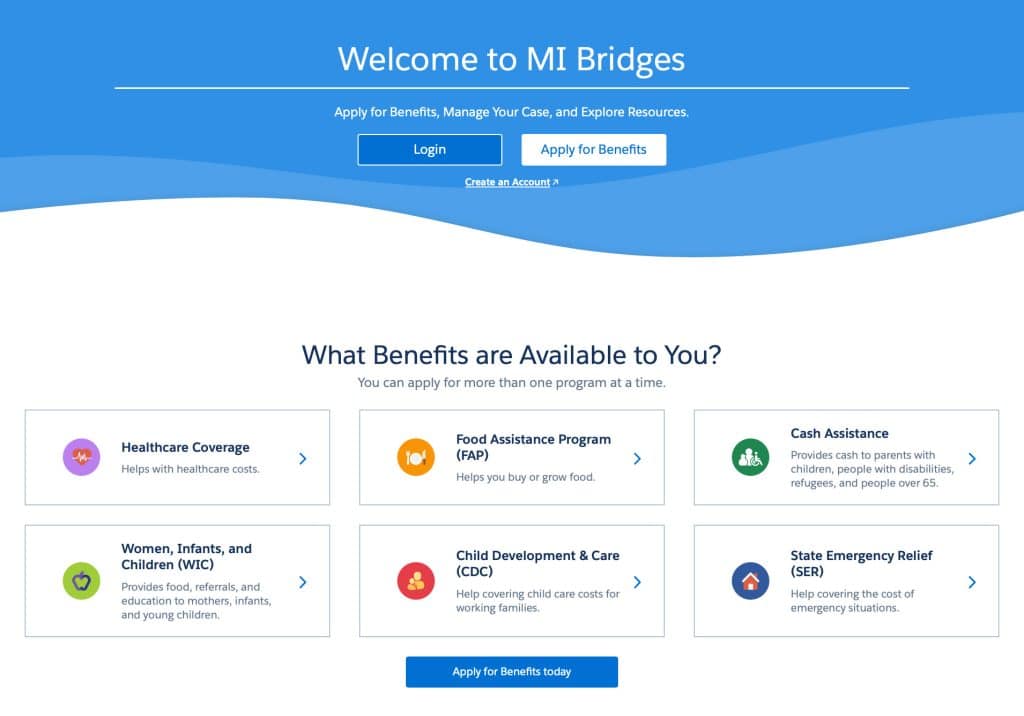
MI Bridges is the State of Michigan’s website for your Medicaid account. Use it to:
- Update your address, phone number, or email.
- Check when it’s time to renew.
- Renew your Medicaid.
- Upload any documents you are asked to provide.
This link takes you to the State of Michigan’s MI Bridges website, where you can update your information, check your renewal status, and renew your Medicaid.
MEDICAID HELP CENTER
If you need help, there are several places you can turn. Not sure who to contact? Use this guide to find the right help quickly
I can’t log in to MI Bridges
Need help logging in? Call the MI Bridges Help Desk.
844-799-9876
Monday-Friday, 8:00am-5:00pm
I want to renew my Medicaid by phone
Need help with your renewal? Call the Renewal Help Line.
833-599-6444
TTY: 866-501-5656
Monday-Friday, 8:00am-7:00pm
I want to talk to someone in person
Visit your local MDHHS office for help with your renewal
I’m not sure what to do next
Have questions about your insurance or Medicaid? We’re here to help.
Join us for Walk-In Wednesdays at one of three Honor Community Health locations. Our Community Health Workers can help you with:
- Insurance enrollment
- Medicaid changes
- Coverage questions
- Finding the right resources for you
Dates and locations vary. Call (248) 724-7600 to find the next Walk-In Wednesday location near you.